Candidate Email Template Generator
Generate professional email templates for every stage of your hiring process. From application acknowledgment to onboarding welcome - all free, no signup required.
Why Candidate Communication Defines Your Hiring Brand
Candidate experience is not just about interviews. It starts with the first email a candidate receives after applying and ends with their first week of onboarding. Every touchpoint in between — the acknowledgment email, the interview invite, the follow-up, the offer, the rejection — contributes to how candidates perceive your company. Organizations with strong candidate communication see higher offer acceptance rates, better quality referrals, and stronger employer brand scores on platforms like Glassdoor. This free generator gives you professional, stage-appropriate email templates for every moment in your hiring process.
The Key Emails in a Hiring Process
A well-run hiring process touches candidates at multiple points. Here are the emails that matter most:
- →Application acknowledgment. Sent within 24 hours of application receipt. Sets expectations and confirms the candidate's application was received.
- →Interview invitation. Clear, organized, and includes all logistical details: time, format, participants, and what to prepare.
- →Post-interview follow-up. A brief thank-you for the candidate's time and an outline of what happens next and when to expect a decision.
- →Rejection email. Stage-appropriate: brief and professional for early rejections, warmer and more considered for final-round candidates.
- →Offer email. Enthusiastic, clear summary of the offer with a link to the formal offer letter and a response deadline.
- →Onboarding welcome. Sets the tone for day one — includes logistics, first-day expectations, and an expression of genuine excitement about the person joining.
How to Use This Tool
- 1Select the email type and stage. Choose which part of the hiring process you are writing for — acknowledgment, invitation, rejection, offer, or onboarding.
- 2Fill in the key variables. Enter the candidate name, role title, company name, and any stage-specific details like interview date, interviewers, or offer terms.
- 3Copy and customize. Use the generated template as your starting point. Adjust the tone or add specific details to match your company's voice before sending.
Tips for Better Candidate Emails
- →Always use the candidate's first name. This is the most basic personalization and should never be skipped. "Hi Sarah" reads better than "Dear Candidate" every time.
- →State the next step clearly. Every recruiting email should end with exactly what happens next and when. Ambiguity causes anxiety and follow-up emails from candidates.
- →Keep subject lines direct. "Interview Invitation — Marketing Manager Role" beats "Following Up" every time. Clear subject lines help candidates manage their inbox and find emails later.
- →Build a template library, not one-off emails. Standardized templates save time, ensure consistency, and make it easy to onboard new hiring managers without a drop in communication quality.
- →Review templates for tone annually. What felt warm and professional three years ago may feel dated or too formal today. Revisit your template library each year to keep the language current.
Send the right email at the right time, automatically. JuggleHire's ATS includes built-in candidate communication templates triggered by pipeline stage — so no candidate ever falls through the cracks. Start free →
Frequently Asked Questions
Is this candidate email template generator free?
Yes, completely free. No account or credit card required.
What emails do you need in a recruiting process?
A complete recruiting email library includes: application acknowledgment, application rejection (post-screening), phone screen invitation, phone screen rejection, interview invitation, interview confirmation, post-interview rejection, reference check request, offer email, offer letter delivery, offer acceptance confirmation, and onboarding welcome email.
How fast should you respond to applications?
Best practice is to send an application acknowledgment within 24 hours of receiving an application. Candidates who apply and hear nothing quickly assume the process is disorganized — or that their application was lost. A prompt acknowledgment sets expectations and builds a positive first impression.
What makes a good candidate email?
Good candidate emails are clear, timely, personalized (at least with a first name and role title), and set clear expectations for next steps. They use a professional but human tone — not corporate boilerplate. They answer the candidate's most pressing questions: What happens next? When will I hear back? Who should I contact if I have questions?
How do you personalize candidate emails at scale?
Use template variables for the candidate's first name, the role title, and the hiring manager's name. Most ATS platforms and email tools support mail merge or template variables. Segment your templates by hiring stage and add a single sentence of genuine personalization (e.g., referencing something from their application) for later-stage candidates.
Should you use the candidate's first name in recruiting emails?
Yes, always. Emails that start with "Dear Candidate" or no name at all feel impersonal and signal a bulk send. Using the first name is a minimal but meaningful personalization that makes your communication feel more human. Ensure your ATS or email tool always has the first name populated before sending.
What should an interview invitation email include?
An interview invitation email should include: the type of interview (phone, video, on-site), the proposed date(s) and time(s) with timezone, the format and duration, who the candidate will be meeting with, what to prepare or bring, a calendar link or scheduling tool link, and a contact for questions or rescheduling.
How do you write a compelling offer email?
An offer email should open with genuine excitement, summarize the key compensation terms (salary, bonus, equity, benefits), reference the attached formal offer letter, set a clear response deadline, and provide a direct contact for any questions. The email sets the emotional tone before the candidate reads the detailed letter — make it warm and enthusiastic.
Free download
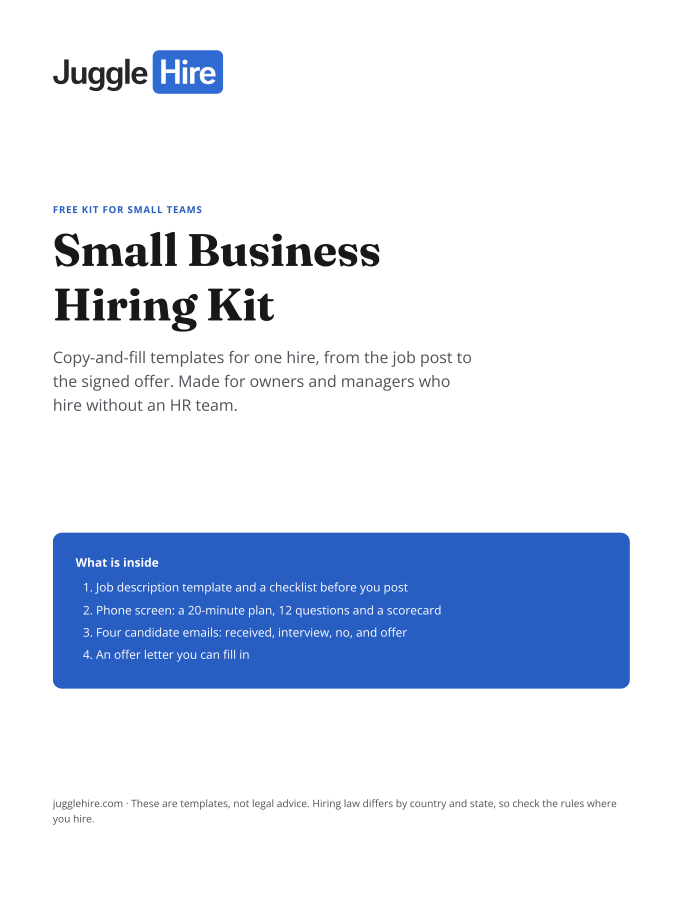
Get the Small Business Hiring Kit
- Job description template and a checklist before you post
- 20-minute phone screen: 12 questions and a scorecard
- Four candidate emails: received, interview, no, and offer
- An offer letter you can fill in
Free. We email you the kit and three short hiring tips. Unsubscribe any time.